Analysis will appear here and stay in this browser for now.
Private roadbook
LockedFinding today on the road...
Homebase is matching today to the confirmed itinerary.
--
trip day
Today
Good morning
steady
Mood
Bright mode keeps the day open and high-contrast.
0
due today
0
next 7 days
0
signals tracked
Current location
Weather loading
Checking today's conditions near Ellen's home.
--
Household brief
What actually matters today?
Today tools
Today's shape
Live orbit
The next few days, pulled into one view.
Signals
Holidays, home nights, Bertha, Earl, watchlists, weather, and season-aware sports.
Homebase refreshes useful signals and skips off-season noise.
Tonight
Sign in to load the board.
The week
What's in the house
Grocery list — next run
The ledger
Ways we actually eat
Grill Woodfire night
Protein on the Ninja, one bagged side. Cook double — the second half is tomorrow's leftover night.
Assembly No-cook plate
Nothing gets cooked. Bread, cheese, cured meat, olives, fruit. Or eggs and avocado toast.
Leftovers Round two
Yesterday's grill, reheated. Costs zero effort, and it's why we cook double.
DoorDash Out
Planned, not defaulted to. Once a week, on the board on purpose.
Private trip workspace
Your roadbook
Sign in to load the confirmed route, stays, reservations, and daily travel context.
Logistics
Open loops
0%
Calendar
Anchors
Ellen's house
Design, art, mysteries, and a 100-year-old Denver home.
Design inbox
Drop a wallpaper, room, object, or art idea.
Homebase can turn an image into palette notes, old-house fit, tags, and a next step.
Sign in, choose an image, and Homebase will read it.
No image selected.
Tiny rituals
Keep the useful and the lovely in the same room.
On this day
Today's record
Journal saves locally until you sign in.
Photos can be selected from files exported from Apple Photos or from the macOS photo/media picker when the browser exposes it.
Garden
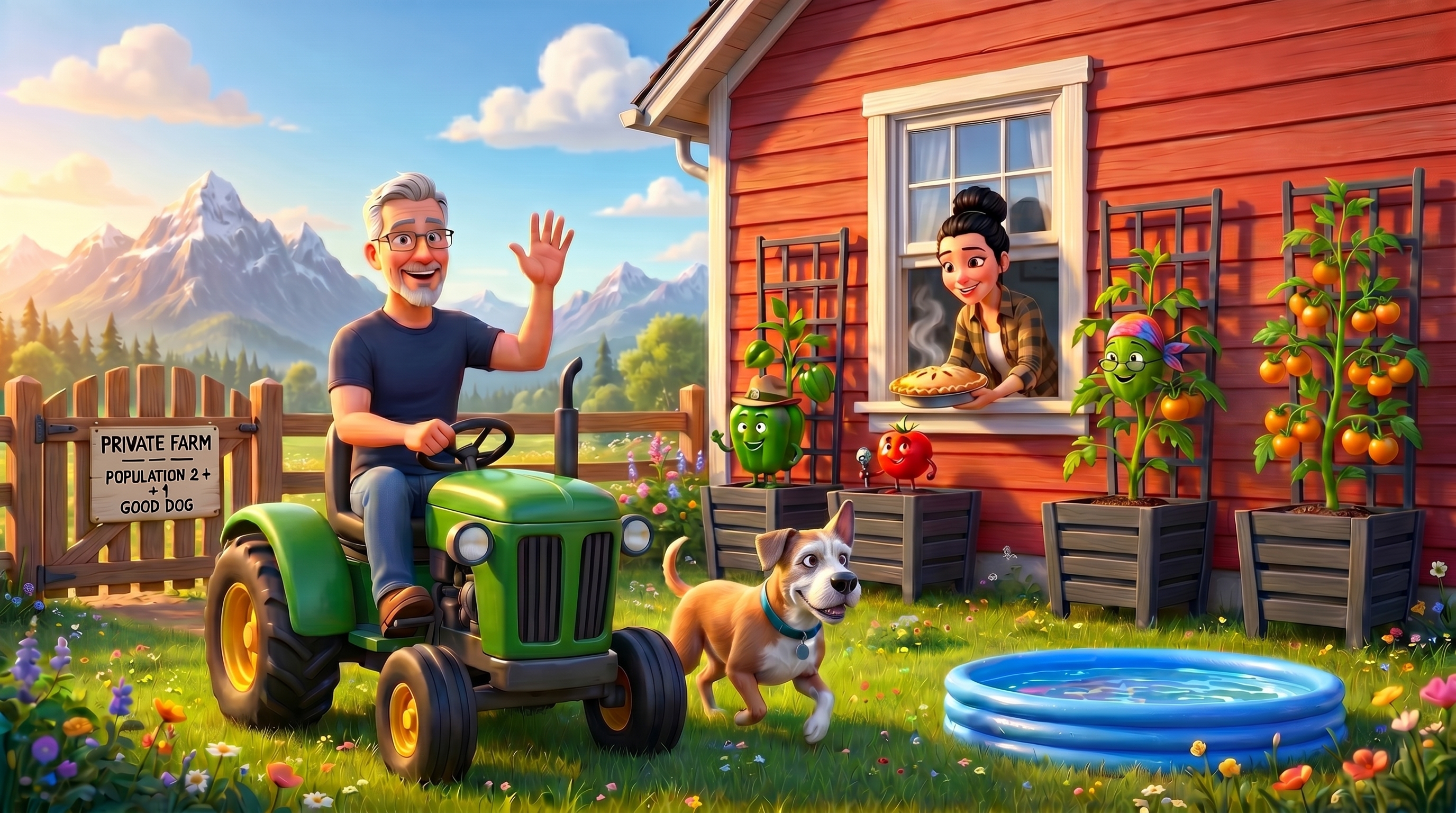
Matt's Farm, inside Homebase.
Season One is a Denver 80209 container-garden sitcom: named plants, growth reels, field notes, Doc Sprout, Earl patrols, and weather-aware care.
Episode
season clock
0
cast members
80209
garden weather
Care signal
Watching Denver weather.
Code Hail and hot-day watering cues belong here.
Deputy Earl
Perimeter walked twice.
Daily Dirt reports can eventually come from the farm feed.
Merge path
Reuse the farm data model.
The export recommends either hosting `/farm/*` as-is or rebuilding the UI around the same Supabase tables and `PLANTS` cast data.
The cast
Plant characters
Doc Sprout's Clinic
Plant doctor, house calls, and photo-based care.
Doc Sprout examines selected plant photos, writes a house call, and flags each plant as GREEN or WATCH.
Sign in, choose plants, and call Doc.
Latest garden photo drop
Upload one batch from the garden. Doc will match each photo to the known cast where possible.
Sorted by plant
After Doc runs, matched photos appear with the plant they likely belong to.
Doc's report will appear here.
Almanac
Denver container-garden rules
Front Range hail season means portable planters are a superpower. When storms threaten, move containers under cover early.
Containers in Denver can need water daily by July. Reservoirs buy slack, but heat changes the rhythm quickly.
Denver's cooler summer nights slow ripening but build flavor. The farm clock should account for altitude.